
Dot3D to Trimble RealWorks | DP Import Workflow
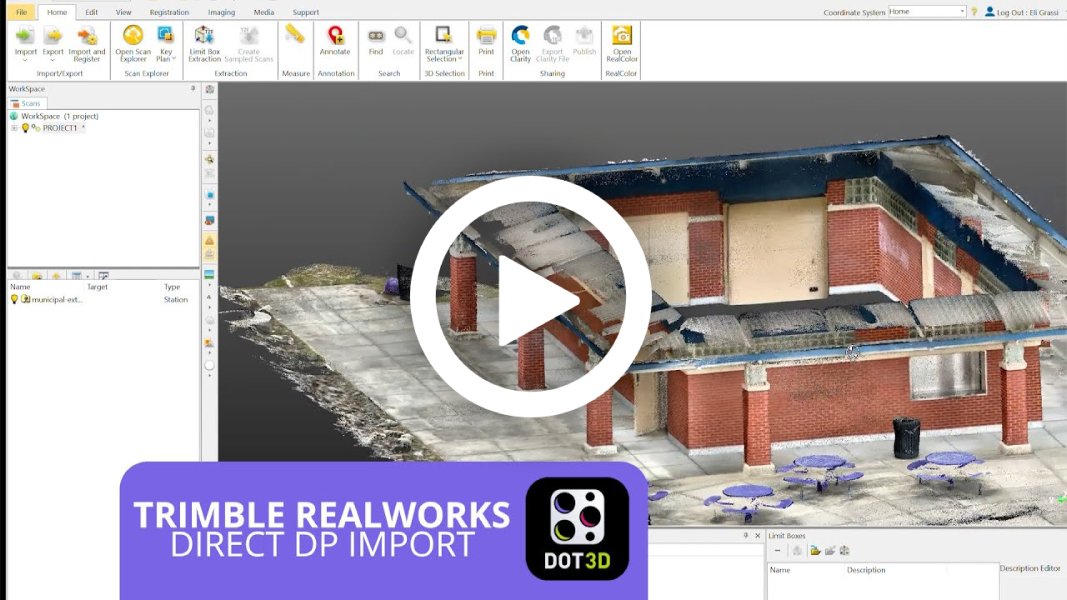
UPDATE: Sending your Dot3D scan data straight into Trimble RealWorks is now easier than ever with the latest RealWorks version 2025.10 & up. "DP Compatibility Mode" is no longer required when saving a Dot3D scan for use in RealWorks. Any .dp file will now import directly in its native, compressed Dot3D format, with no additional steps required. This brief tutorial demonstrates the simple process of opening a Dot3D scan file directly in Trimble RealWorks, the powerful point cloud processing and analysis software from Trimble.
