
DPI-10 vs. DPI-10SR vs. RS D415
DISCLAIMER: Below is sample scan data and basic qualitative analysis of three data sets captured with three of our core 3D capture solutions: the DPI-10/X, DPI-10SR/XSR, and the Intel® RealSense™ D415 (external sensor compatible with the DPI-10/SR as well as other Android & Windows platforms). This study is of sample size 1 for each device, and is not meant to be a comprehensive statistical comparison. However, these data sets were captured in direct succession over the same area, and do offer a good sample of what can be attained with each device in a small HVAC room. Also below are some general reactions to the scan process for each device in this environment. In this case we scanned the same area with each scanner for comparison, but it important to note that they each perform best in different environments. For example, the DPI-10/X, are our #1 solutions for indoor room scanning, the DPI-10SR/XSR are our #1 solutions for part/object/equipment scanning, and the D415 and D455 are recommended solutions for outdoor scanning in bright environments.
Dot3D Pro Handheld 3D Scanner data Comparison
Products for Comparison:
1. DotProduct DPI Handheld 3D Scanning Kit, powered by Dot3D Pro (Calibrated PrimeSense Carmine 1.08).
2. DotProduct DPI SR Handheld 3D Scanning Kit, powered by Dot3D Pro (Calibrated PrimeSense Carmine 1.09).
3. Intel® RealSense™ Depth Camera D415 on Windows Surface Go, powered by Dot3D Pro (not individually calibrated).
3D Capture, Editing, and Measurement Procedure:
AprilTag Targeting: Yes, AprilTags were used for loop closure. There were 3 AprilTags in the scene. (AprilTags are non-survey targets with no scale or measurement info, but which can improve accuracy when looped over multiple times).
Scale Bar Targeting: No, no scale references were used.*
Hard Targeting: No, no survey coordinates were used.*
Parrallel Plane Constraints: No, no planes were flagged during scanning.
Loop Closure: Yes, the scans started and finished at the same AprilTag, and periodically looped over the others.
Coordinates: Set manually in Dot3D after scanning, not necessarily in the same spot each time.
Cropping: Yes, basic cropping was performed on each scan, but not overly detailed cleanup.
Measurement: Measurements were made within Dot3D between two targets at a 3 foot distance.
*Scale bar and hard targeting workflows were intentionally not used here, in order to provide a good sample of basic scan procedure for each scan, and to highlight the differences between each sensor. We do highly recommend using scale/survey targeting whenever possible, and it should be noted that either of these workflows would improve the accuracy and quality of any of these data sets, therefore minimizing the differences between each. With known distances and/or control points being taken into account, the resulting data would all be tied to those same hard references and the differences between each data set after optimization would be much more minimal.
Download the Data:
Please click below to download the DP point cloud data captured from each of the solutions listed above. These DP scan files can be easily opened in Dot3D Edit on Windows or Android, or in any of our many partner applications.
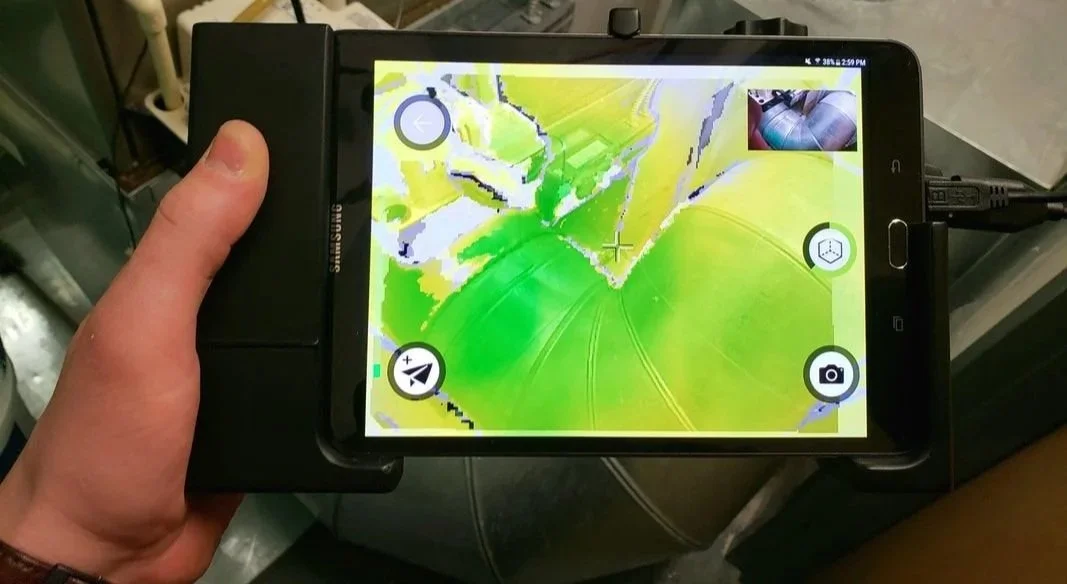
Download Intel RealSense D415 Data
Download DPI-10 Handheld 3D Scanner Data
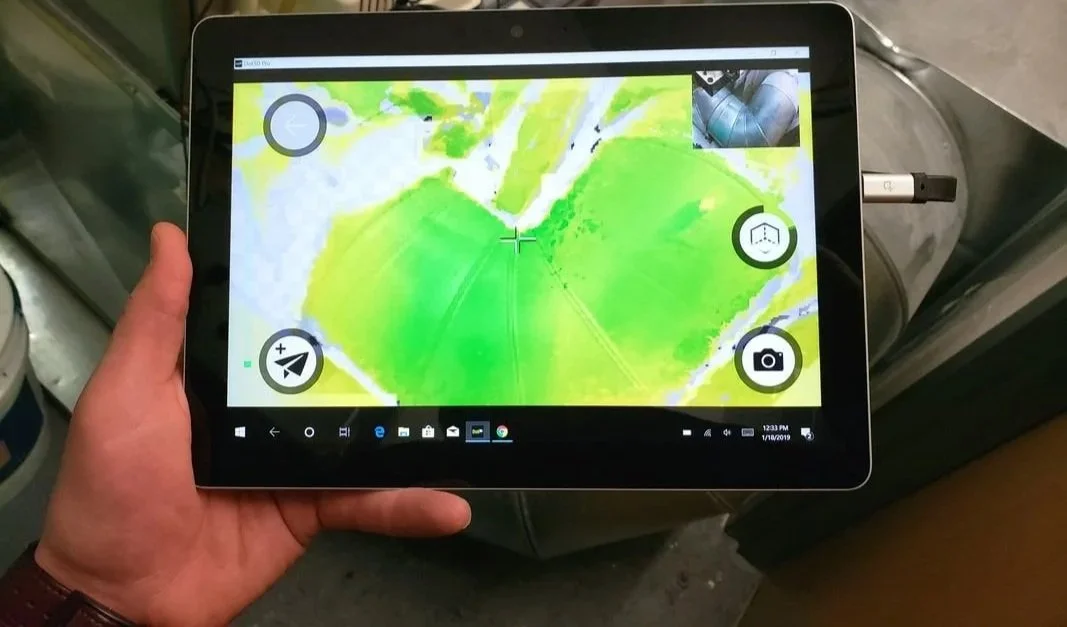
Download DPI-10 SR Handheld 3D Scanner Data
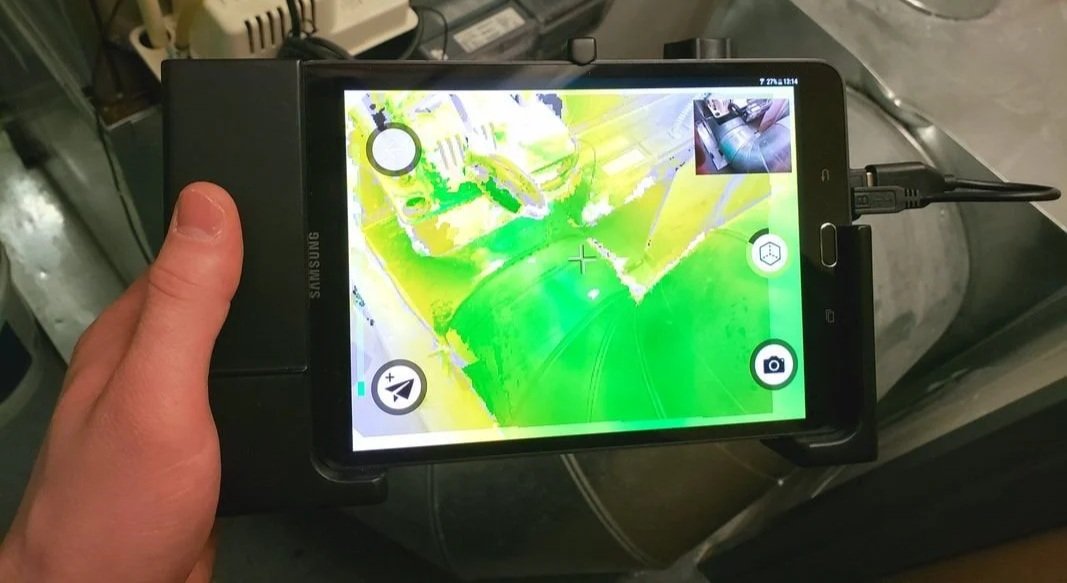
Qualitative Comparisons from This Scan Session: